How to Clear Stuck Tasks in PHPStorm
June 30th, 2025
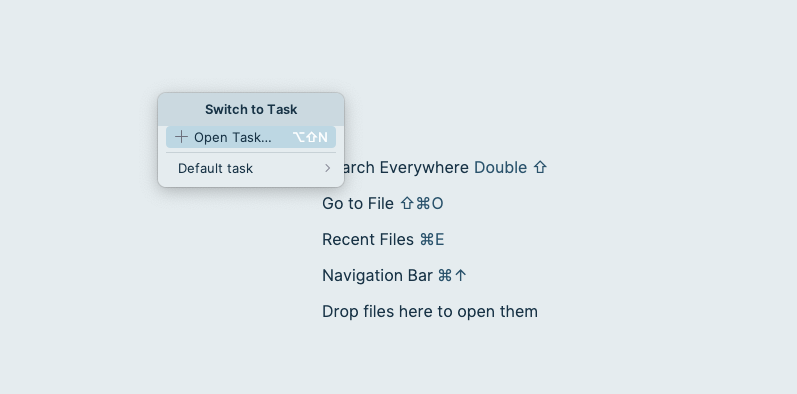
Recently we have switched our ticket management from using Bitbucket's 'Issues' to JIRA. Bitbucket's 'Issues' are great for simpler workflows but as our company grows we needed something with greater flexibility.
I had linked Bitbucket to PHPStorm's Task Management plugin and used it almost every day. Choosing the ticket and creating a branch for it became part of my workflow, and I wanted to continue this using JIRA.
However, there was a problem. After deleting my Bitbucket server connection in PHPStorm's Task settings I found that the tickets in the 'switch tasks' list were still there. I tried the following options to clear them:
- Restarting PHPStorm
- Invalidating all caches (File > Invalidate Caches > Restart)
- Deleting the cache dir in ~/Application Support/Caches/Jetbrains/PHPStorm
/
None of the above worked.
The solution
After various attempts, I grepped the project's .idea/ directory for one of the ticket numbers and found a reference to it in workspace.xml. This file manages almost everything about the project's workspace, including a section for the tasks. I edited the file manually (in Neovim) and removed the <component name="TaskManager"> node.
After restarting PHPStorm the older tasks had been cleared, leaving me free to add JIRA as a new Issue server.
← Next
Happy Hardcore Day